
Seamlift now works with DaVinci Resolve, free edition included
Commit a timeline for review, move footage and graphics both ways, and get review comments back as markers on your timeline, without leaving Resolve.
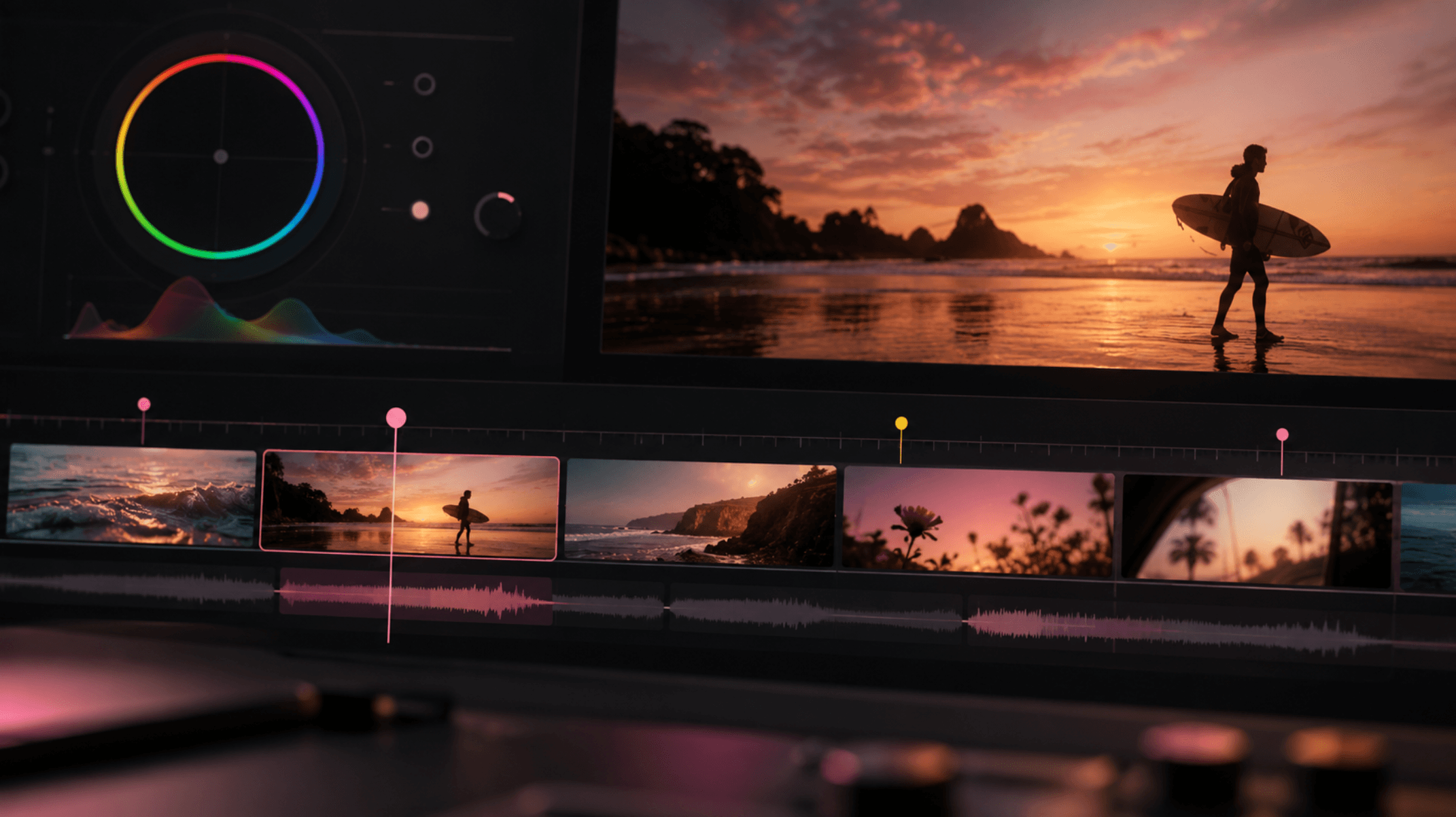
Premiere editors have had a Seamlift panel for a while: commit a timeline, pull assets in, push media up. Resolve editors kept asking for the same thing, and most of them edit in the free edition, where Blackmagic doesn't allow panels at all.
So we built Seamlift for DaVinci Resolve. It's a small app that runs next to Resolve, free or Studio, and gives you the same panel Premiere editors use. Here's what it does and how to set it up.
What you can do from Resolve
Commit a timeline as a new version
Click Commit, write a line about what changed, and Seamlift does the rest. Resolve renders the timeline to an MP4, the app uploads it, and it lands in your Seamlift project as a new version, ready for your client or creator to review.
Each commit also keeps a snapshot of the timeline: which clips are on it, where, and with which Inspector settings. When you commit again, reviewers can play both cuts side by side and see the clips that moved, changed or went missing. No more “what did you change since v3?”
Your own render settings are put back after each commit, so the next export from Deliver is exactly what you left there.
Review comments come back as markers
This is the part editors asked for most. Under Review comments, click Show as markers, and every comment on your latest commit appears on the timeline at its timecode:
Red for open comments.
Green for resolved ones.
Purple for a comment on a shot you've since cut, placed at the cut.
If you've kept editing since the commit, each marker follows its shot instead of sitting at a timecode that no longer means anything. Seamlift only ever touches its own markers, so yours stay where you put them.
Files move both ways
Footage, music, logos and graphics your team uploaded to Seamlift can be brought straight into Resolve. They download into your Seamlift folder and show up in a Seamlift Assets bin, organised by the project's folders.
Going the other way, Upload project files sends the media your edit uses up to Seamlift, so the next editor or the client has everything. Anything already on Seamlift is skipped, matched by content rather than file name, so a renamed clip doesn't get uploaded twice.
It follows your Resolve project
Open a project in Resolve and the app switches to the Seamlift project with the same name. If there isn't one yet, it offers to create it on the spot and takes the project's media along.
Free edition included
Resolve 21.1 moved Python and external scripting to Studio, and workflow panels have always been Studio-only. That's why Seamlift for Resolve is an app next to Resolve rather than a panel inside it: the free edition still runs Lua scripts from Workspace → Scripts, and that's all Seamlift needs to read your timeline, import media, render and place markers.
If you're on Studio, you also get a small Seamlift window inside Resolve showing the connection. On the free edition, the app's own window shows it instead. Everything else is the same.
How to set it up
You'll need DaVinci Resolve 21 or newer, on Windows or macOS.
Open Resolve once, then close it. This creates the scripts folder the app installs into.
Download the app from Plugins → DaVinci Resolve in Seamlift, unzip it and open Seamlift Resolve. Keep it running while you work.
In Resolve, choose Workspace → Scripts → Seamlift. Do this each time you open Resolve. The app's status bar then says Resolve is connected.
Connect your account. Click Generate code on the Install tab, paste the code into the app's window and click Connect. The app signs in with that one-time code and never sees your password.
The app isn't code-signed yet, so Windows SmartScreen or macOS Gatekeeper may warn you the first time you open it. We're working on that.
What the app can and can't touch
It reads the open timeline and Media Pool.
It only adds bins, render jobs and its own markers. It doesn't edit your timeline.
Renders go to
Documents/Seamlift/renders/and are deleted once they've uploaded.Colour grades aren't compared between commits yet, and clips with Fusion compositions are flagged as “may have changed” rather than diffed.
Same price, every plan
Seamlift pricing is storage only. The Resolve app, like the Premiere panel, the Blender add-on and the Illustrator extension, is included on every plan, including free. No per-seat fees for your editors.
Set up Seamlift for DaVinci Resolve and send your next cut for review without leaving the timeline. If something doesn't work on your setup, tell us: the app has a Diagnose button that collects what we need to fix it.
- product-update
- davinci-resolve
- workflow