
Video editing and review glossary: 53 terms editors and clients mix up
From picture lock to proxy, plain definitions of the words that come up between editors, creators and clients, and why each one matters in review.
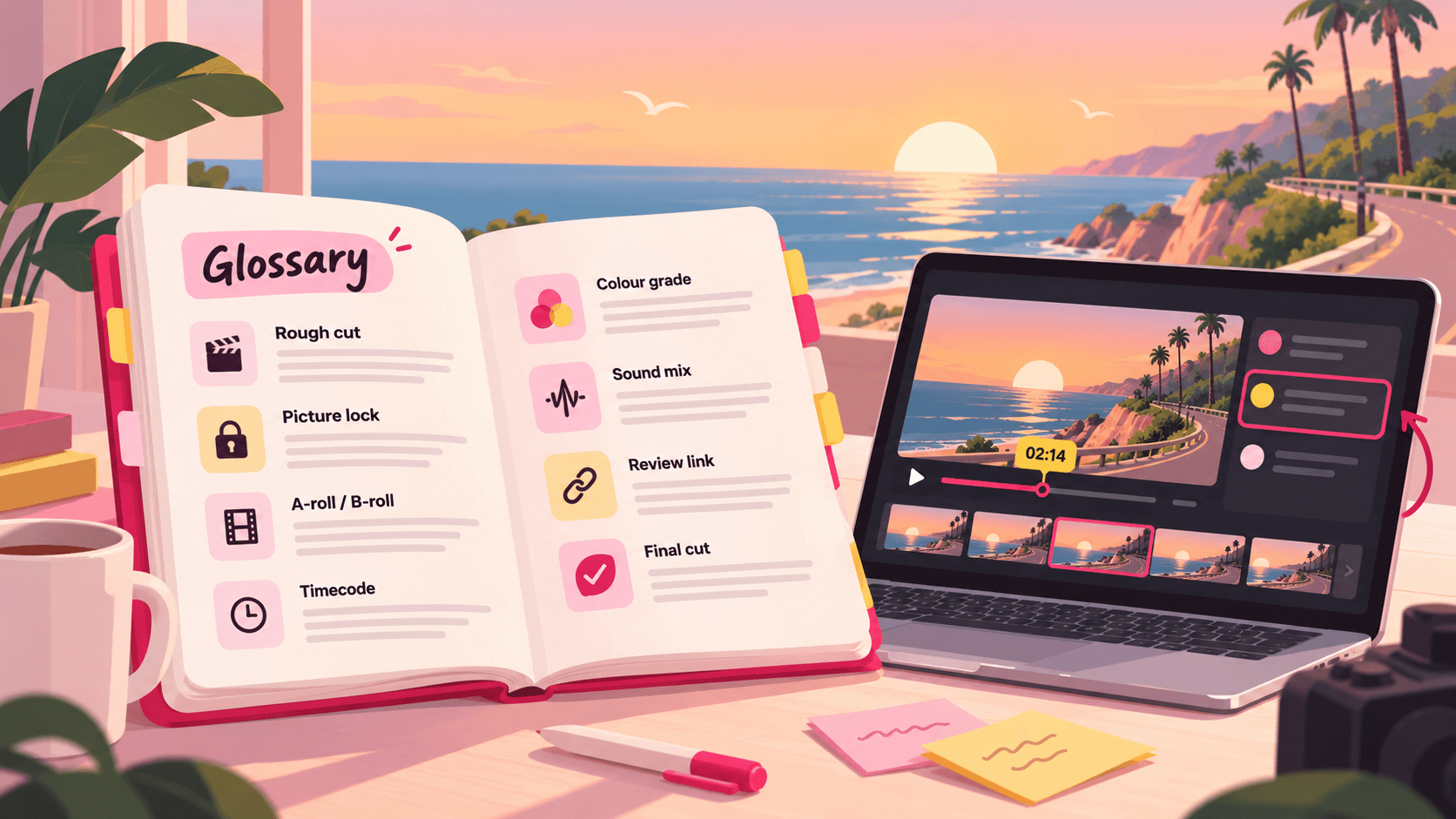
Half of the misunderstandings between an editor and a client are about words. The client says "final" and means "the one I'll approve after a few tweaks." The editor says "rough cut" and the client expects something nearly finished.
This glossary covers the terms that come up most between editors, creators and clients. It's written for clients and creators first, so every definition is in plain language, with a note on why it matters when you review.
Stages of an edit
Assembly. All the usable footage placed roughly in order. Long and unpolished. Few clients see it.
Rough cut. The first watchable version: structure, story and pacing are there, but music, colour, sound and graphics are placeholders. Review it for structure, not polish.
Fine cut. The structure is settled and the timing is tightened. Notes now are about specific moments, not the order of sections.
Picture lock. The point where no more shots are added, removed or re-timed. After picture lock, the sound mix, colour grade and graphics are finished. Changing the edit after this costs time, because those steps may have to be redone.
Online / finishing. The final stage: colour grade, sound mix, graphics and output at full quality.
Final cut. The approved version that will be delivered or published. Say "final" only when it really is.
Revision round. One consolidated set of notes on one version, followed by a new version. See how many revision rounds to include.
Version. Each new export of the same video, numbered v1, v2, v3. Notes should always say which version they're about.
Footage and files
A-roll. The main footage, usually the person talking to camera.
B-roll. Supporting footage cut over the A-roll: product shots, screen recordings, cutaways.
Raw footage / rushes / dailies. Unedited footage straight from the camera.
Proxy. A small, low-quality copy of a large file, used so editing runs smoothly. The final export uses the original. If a shot looks soft in a review, ask whether it was exported from proxies by mistake.
Master. The highest-quality export of the finished video, kept as the reference copy.
Review copy. A smaller export made just for review. It's normal for it to look a little softer than the master.
Codec. The method used to compress video: H.264, HEVC, ProRes, DNxHR. Review copies are usually H.264; masters are often ProRes or DNxHR.
Container. The file type that holds the video and audio: MP4, MOV, MXF.
Bitrate. How much data per second the video uses. Higher bitrate means higher quality and larger files.
Resolution. The frame size: 1920×1080 (1080p, HD), 3840×2160 (4K UHD).
Aspect ratio. The shape of the frame: 16:9 for YouTube, 9:16 for Shorts and Reels, 1:1 for square.
Frame rate. Frames per second: 23.976, 25, 29.97, 60. See our YouTube frame rate guide.
Project file. The editing app's file (Premiere, Resolve, Final Cut) that holds the edit. It doesn't contain the footage itself, only references to it.
Media management / relinking. Keeping track of footage files so the project can find them. "Media offline" means it can't.
Timeline and editing
Timeline. Where clips are arranged in order and layered on tracks.
Timecode. A clip's position written as hours:minutes:seconds:frames, for example 00:04:12:08. The fastest way to point at a moment in a note.
In and out points. The start and end of the part of a clip that's used.
Cut. The point where one shot changes to the next. Also used to mean a version ("the second cut").
Jump cut. A cut within the same shot that skips time, common in YouTube talking-head videos.
J-cut and L-cut. The audio of the next shot starts before its picture (J), or the audio of the previous shot continues after the cut (L). They make cuts feel smoother.
Cutaway. A short shot of something else, cut in to hide a jump or show what's being talked about.
Pacing. How fast the video feels. Notes about pacing are most useful with a timecode range.
Hook. The opening seconds of a YouTube video that make viewers keep watching.
Transition. An effect between two shots: dissolve, wipe, whip pan.
Nest / compound clip. Several clips grouped into one on the timeline.
Picture
Colour correction. Fixing exposure and white balance so shots match.
Colour grade. Giving the video its look after correction.
LUT. A preset that maps colours, often used to turn flat camera footage into a normal or stylised look.
Log footage. Flat-looking footage recorded to keep more detail. It's meant to be graded and looks grey before that.
Safe zone. The area of the frame where text won't be hidden by YouTube, Shorts or Reels buttons.
Lower third. A text graphic in the bottom part of the frame, usually a name or title.
Burn-in captions / open captions. Captions that are part of the picture. Closed captions are a separate file the viewer can turn off.
Sound
Sound mix. Balancing voice, music and effects so the voice is always clear.
Ducking. Lowering the music automatically under speech.
Room tone. A recording of the room's silence, used to fill gaps after cuts.
Loudness (LUFS). A measure of how loud the whole video sounds. Platforms normalise loudness, so very loud mixes are turned down.
Sync. Picture and sound lining up. Out-of-sync audio is a must-fix note.
Review and delivery
Timestamped comment. A note attached to a moment in the video, so the editor sees exactly what you mean. See how to get timestamped feedback.
Frame-accurate comment. A note pinned to an exact frame, not just a second.
Annotation. A drawing on the frame showing where the problem is.
Review link / share link. A link that lets someone watch and comment without the file being sent.
Guest reviewer. Someone who comments from a review link without an account.
Approval / sign-off. The client confirming a version is final.
Deliverables. The exact files the client receives: formats, aspect ratios, captions, thumbnails.
Conform. Rebuilding an edit from proxies or an offline edit using the original full-quality media.
Use the same words in your review tool
A shared vocabulary only helps if the review process uses it. In Seamlift, every upload of the same video stacks as a numbered version, every comment is pinned to a frame on that version, and clients comment from a share link as guests. So "v3, 02:14, the lower third is outside the safe zone" means the same thing to everyone. Try it free with 10 GB.
- glossary
- guide
- client-review