
YouTube video brief template: what to send your editor before the first cut
A one-page brief saves a revision round. Here's what goes in it, a copyable template, and a filled-in example.
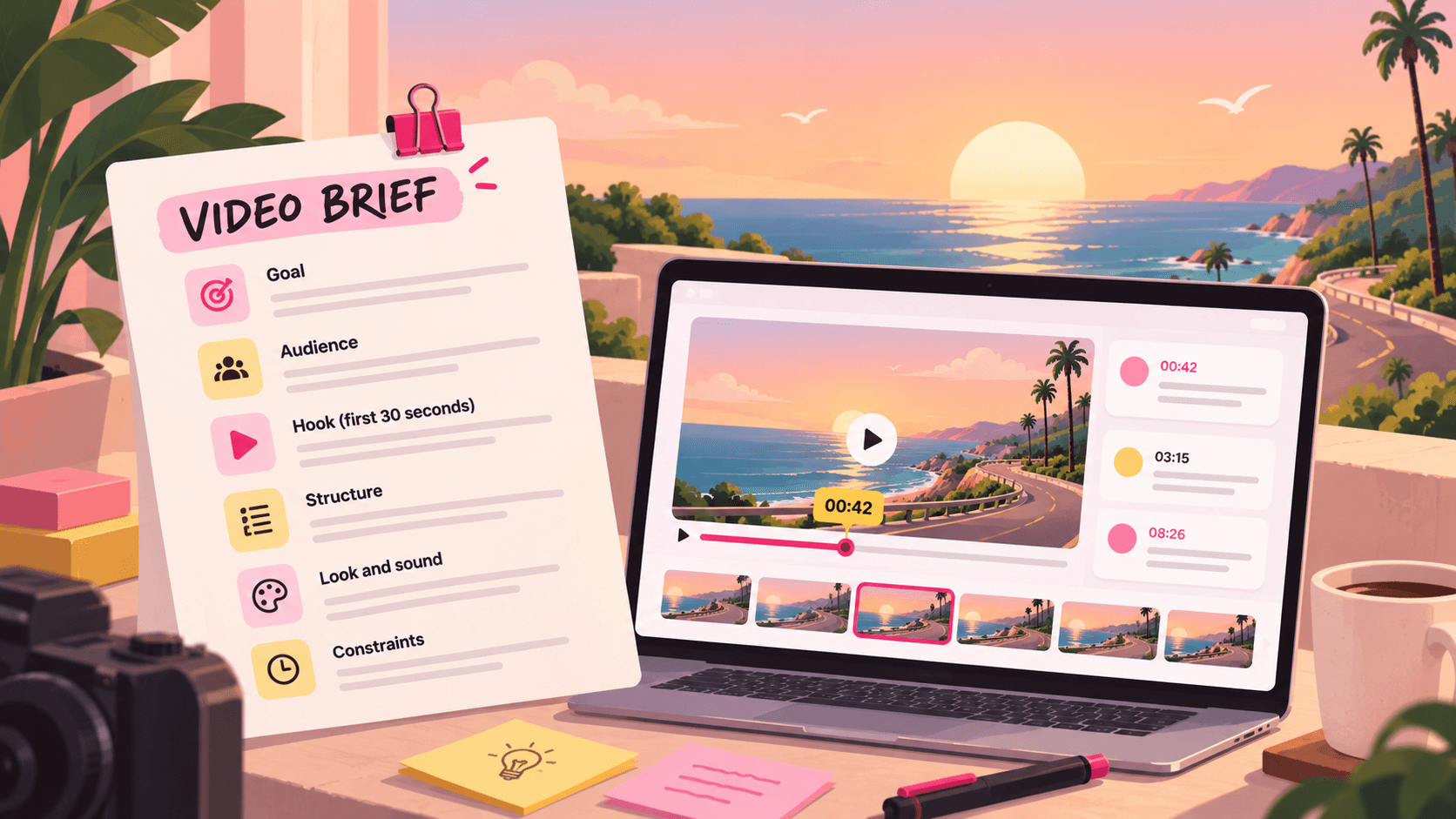
Most revision rounds aren't caused by bad editing. They're caused by an editor guessing what you wanted. You knew the video should open on the result, not the setup. You knew the sponsor read has to stay word for word. You knew the last video felt slow. Your editor didn't, because nobody told them.
A brief fixes that before the first cut exists. It takes 10 minutes to write and it's the cheapest note you'll ever give.
What a good brief answers
An editor needs answers to six questions before they open the timeline:
What is this video for? The one thing a viewer should feel, learn or do by the end.
Who is watching? New viewers from search, or subscribers who already know you? That changes how much context the edit needs.
How does it open? The hook is the most re-edited part of any YouTube video. Say what the first 30 seconds should do.
What's the structure? Rough order of sections, and anything that must not be cut.
What should it look and sound like? Two or three reference videos beat a paragraph of adjectives.
What are the hard constraints? Length, deadline, sponsor rules, music licences, aspect ratios.
Everything else is a nice-to-have.
The template
Copy this into a doc or the description of your project and fill it in for each video.
VIDEO BRIEF

Working title:
Publish date:            First cut due:
Target length:           Format: long-form / Short / both

GOAL
By the end, the viewer should:

AUDIENCE
Mostly: new viewers from search / subscribers / both
What they already know:

HOOK (first 30 seconds)
Open on:
Promise to the viewer:

STRUCTURE
1.
2.
3.
Must keep:
Can cut if it drags:

LOOK AND SOUND
Reference videos (with timecodes):
Music: mood, and where it comes from (licence)
Captions / on-screen text style:
Thumbnail idea (so the edit can set it up):

SPONSOR OR BRAND (if any)
Where it goes:
Required wording or visuals:
Who approves it and by when:

FILES
Footage:
Assets (logos, lower thirds, fonts):
Last video's project file, if reused:

NOT THIS TIME
Things from previous videos to avoid:
A filled-in example
Here's the same template for a made-up tech channel, so you can see the level of detail that helps.
Working title: I used a ₹15,000 phone for a month
Publish date: Friday. First cut due: Tuesday evening.
Target length: 11 to 13 minutes. Long-form, plus one Short cut from the camera test section.
Goal: viewers decide whether this phone is enough for them, without a spec sheet.
Audience: mostly new viewers from search. Assume they don't know the brand.
Hook: open on the low-light photo comparison at 14:20 in the A-roll, then my line "I didn't expect this." Promise: by the end you'll know if it's the right phone for you.
Structure: hook, unboxing (keep under 40 seconds), daily use, camera test, battery, verdict. Must keep the battery chart. Can cut the speaker test if it drags.
Look and sound: reference the pacing of my video from 3 October, 02:10 to 04:00. Lo-fi music from our licensed library, ducked under voice. Yellow captions, same as the last three videos.
Thumbnail idea: phone held up next to a price tag. Leave a clean shot of that around the verdict.
Sponsor: none this time.
Not this time: the zoom-in on every punchline. Viewers called it out in comments.
How to use the brief once the cut arrives
The brief also tells you how to review. When the first cut lands, check it against the brief before you write any notes:
Does the hook do what the brief said?
Is the structure in the agreed order, with the must-keeps in?
Is it the right length?
If the answer to all three is yes, your notes can focus on detail. If not, say which part of the brief the cut missed. "The hook opens on the unboxing, the brief said the photo comparison" is a note an editor can fix in one pass.
For detail notes, use a timecode, what you see, and what you want instead. Our guide to video feedback your editor can act on has 30 examples.
Where to keep the brief
Keep it where the cut will be reviewed, not in a separate chat thread. In Seamlift, each video lives in a project: put the brief in the project, upload the cut, and leave notes on the exact frame. The next version stacks on the same file, so the brief, the cuts and the notes stay together. The whole loop, from raw footage to publishing on YouTube, is in our YouTuber and editor workflow guide.
FAQ
How long should a video brief be?
One page. If it's longer, the editor will skim it and miss the part that mattered. Put links to references and files rather than describing them.
Should I brief Shorts differently?
Yes, shorter. For a Short, the hook, the length, the captions and the safe zone for on-screen text matter most. Structure is usually one idea.
Does a brief replace a call?
For a new editor, have one call on the first video and use the brief after that. Once you've worked together for a few videos, the brief is usually enough.
What if I don't know the structure yet?
Say so, and list the moments you know you want. Ask the editor to propose an order in the first cut. That's still a better starting point than nothing.
Try Seamlift free with 10 GB and no card. Put your next brief, cut and notes in one place.
- template
- youtube
- workflow