
Rough cut vs fine cut vs picture lock: what to review at each stage
The stages of a video edit in plain words, what feedback belongs at each one, and why giving the right notes at the wrong stage costs you a revision round.
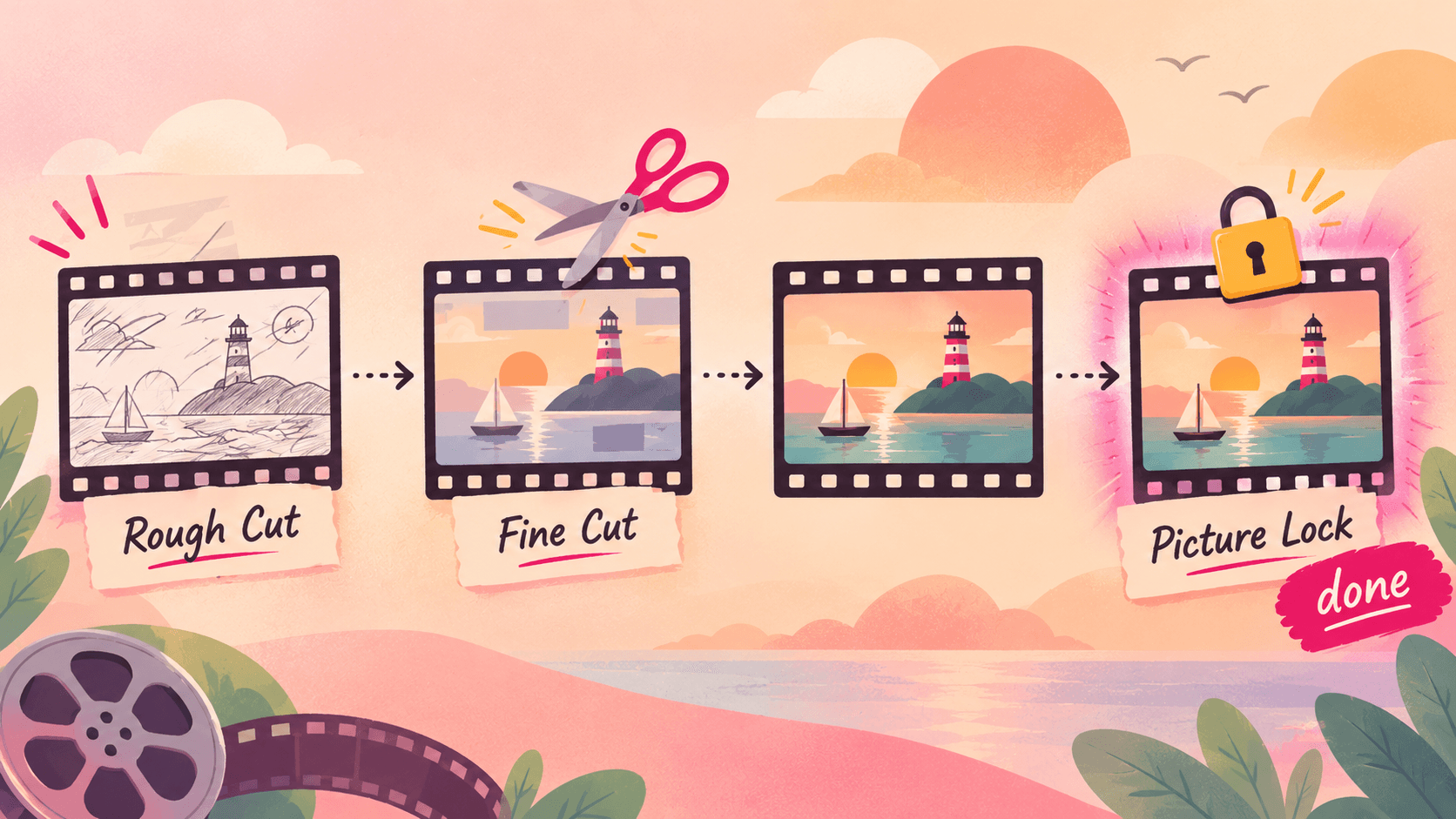
"Can we fix the colour on that shot?" is a perfectly good note. On a rough cut, it's also a wasted one: that shot might not survive the next version.
Most extra revision rounds come from notes given at the wrong stage. Here's what each stage of an edit is for, and what to review when you see it.
The stages at a glance
Assembly: all the usable footage in order. Long and messy on purpose.
Rough cut: the story and structure. Right order, roughly the right length.
Fine cut: the pacing and the details. Every shot chosen, timing tightened.
Picture lock: no more changes to which shots appear or how long they last.
Final (online): colour, sound mix, graphics, captions, exports.
Short videos often skip stages. A YouTube vlog might go straight from rough cut to final. But the order of decisions stays the same: story, then timing, then polish.
Assembly
What it is: the editor has gathered the best takes and put them in script or chronological order. It can be twice the final length.
Review for: missing footage or moments you expected to see. That's it.
Don't review: length, pacing, music, anything visual.
Many editors don't show the assembly to clients at all. That's fine.
Rough cut
What it is: the first real version of the video. The structure is there, the length is close, but transitions are rough, music may be temporary, and graphics may be placeholders.
Review for:
Does the opening hook work? Would you keep watching after 30 seconds?
Is the order right? Does each section lead to the next?
Is anything missing, or anything that should go entirely?
Is the overall length right?
Don't review: colour, audio levels, typos in placeholder titles, exact music choices. Those are coming.
Good rough cut note: "Move the product demo (4:10–5:30) before the pricing section; it explains why the price matters."
Fine cut
What it is: the structure is agreed. Now every cut, pause and B-roll shot is chosen deliberately.
Review for:
Pacing: any section that drags or feels rushed
Specific shots: a better take, a cutaway that doesn't match what's being said
Jokes and beats landing on the right frame
Graphics and text: content and placement (style can still change)
Don't review: final colour and sound mix, unless something is badly wrong.
Good fine cut note: "At 2:47, cut the pause before 'and that's why'. It kills the momentum."
Picture lock
What it is: the agreement that the edit is done. From here, the timeline doesn't change. Colourists, sound mixers and motion designers can now work without their work being undone.
Why it matters: if a shot changes after picture lock, the colour, sound and graphics on it may have to be redone. On client work, changes after lock are usually billed as extra.
What to do: watch it once, start to finish, as a viewer. If you'd change any shot, say so now.
Final
What it is: colour grade, sound mix, final graphics, captions, and the exports you need (YouTube, Shorts, a client master).
Review for:
Colour consistent from shot to shot, skin tones natural
Dialogue clear, music not overpowering, no pops or clicks
Spelling in every title, lower third and caption
Logos, sponsor segments and calls to action correct (see the sponsor review checklist)
The export itself: resolution, frame rate, no black frames at the start or end
Why this saves you revision rounds
If you agreed on two or three revision rounds, map them to stages: one on the rough cut (structure), one on the fine cut (timing), one on the final (polish). Each round has a clear job, and nobody spends a round on colour that gets thrown away.
Make each stage a version
Keep each stage as a separate version of the same file, not a new link each time. Reviewers can see what changed, and you can go back if a "fix" made things worse.
In Seamlift each upload of a new cut becomes the next version in the same place, with comments pinned to the exact frame and a side-by-side compare between versions. Clients review from a link in their browser, no account needed. Try it free.
More terms like these in the video editing glossary.
- workflow
- client-review
- glossary