
How to hire a YouTube video editor (and keep them)
Where to find editors, how to run a paid test edit, what to put in the brief, and how to give them access without handing over your channel password.
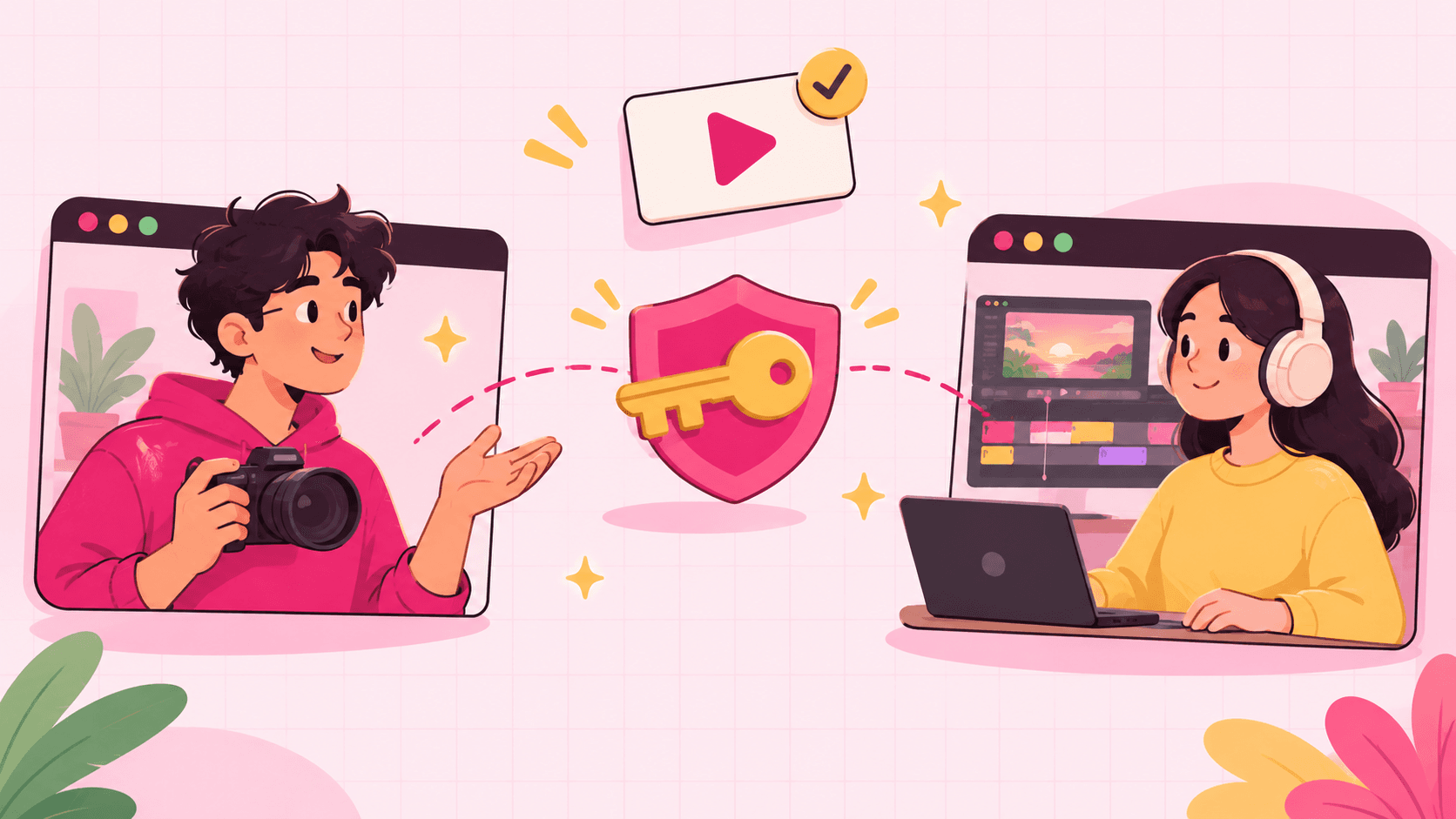
Hiring your first editor is the point where a YouTube channel stops being a solo project. Done well, you get hours back every week. Done badly, you spend those hours fixing edits and chasing files.
This is the process that works for most creators, from finding someone to the tenth video together.
1. Know what you're hiring for
Before you post anything, write down:
The format: long-form, Shorts, podcasts, or all three.
Volume: videos per week or month.
Your style: three videos (yours or other channels') that show the pacing, graphics and humour you want.
What you'll still do yourself: thumbnails, titles, uploading, Shorts.
Budget per video. If you don't know what's normal, see how much editors charge.
This becomes your job post and, later, your brief.
2. Where to find editors
Your own audience. A community post or a line at the end of a video often brings editors who already know your content.
Creator communities: YouTube-focused Discord servers, subreddits like r/NewTubers and r/VideoEditing, and editor groups on X and LinkedIn.
Freelance marketplaces: Upwork, Fiverr and similar. More choice, more noise; look for editors with YouTube work in their portfolio, not just reels.
Other creators. Ask channels you like who edits for them. Good editors often have room for one more client.
Judge portfolios on watch time, not effects. A great YouTube edit keeps people watching; flashy transitions don't.
3. Run a paid test edit
A test edit tells you more than any portfolio. Keep it fair:
Pay for it. A short test at their normal rate gets you serious applicants and their real work.
Use real footage, 10–20 minutes of raw recording, not a polished sample.
Give the same brief to every candidate so you can compare.
Do one revision round. How they take notes matters as much as the first cut.
Look at: the hook in the first 30 seconds, pacing, audio cleanup, whether they followed the brief, and how clear their questions were.
4. Write a brief they can work from
Every video should come with the same short brief: the goal of the video, the hook, must-keep moments, things to cut, references, and the deadline. Here's a YouTube video brief template you can copy.
5. Agree the terms in writing
Rate, turnaround, revision rounds included, who owns the files, and payment schedule. Even for a friend. A simple contract saves the relationship later.
6. Give access without giving your password
Never send an editor your Google password. It gives them your whole account: email, payments, channel ownership.
Instead:
For the channel: add them in YouTube Studio under Settings → Permissions with the Editor or Manager role you're comfortable with. You can remove them anytime.
For files: share a project folder, not your whole drive.
For uploads: use a tool where they upload the finished video and you approve it before it goes live.
In Seamlift, your editor uploads drafts to a shared project, you review and comment, and once you approve, the video is published to your channel from the same place, with the title, description and thumbnail you staged during review. Your editor never sees your Google login. More on that in letting your editor upload to YouTube.
7. Set up a review loop that doesn't drain you
Most creator–editor relationships break down over feedback, not skill. Keep it simple:
Every draft goes to one place, not WhatsApp one week and email the next.
Comment on the exact frame ("at 2:14, cut the pause") instead of describing timestamps in a message. See examples of good video feedback.
Send all notes for a version at once. One list per round.
Keep every version, so you can compare v2 with v3 instead of guessing what changed.
8. Keep them
Good editors leave for three reasons: late payments, endless revisions and no growth. Pay on time, keep rounds to what you agreed, share the video's performance with them, and raise their rate when the channel grows. An editor who knows your style is worth far more than a cheaper new one.
A quick setup to start this week
Write your style notes and budget.
Post in two communities and ask two creators for referrals.
Run a paid test edit with your top three.
Create a shared project, invite the editor, and send the first brief.
Seamlift is free for up to 10 GB with unlimited members, so you and your editor can try the whole loop, from draft to published video, before paying anything. Start free.
- youtube
- workflow
- hiring